AutoHotkey v2 Power Utility

Type with Confidence. Never Lose Focus.

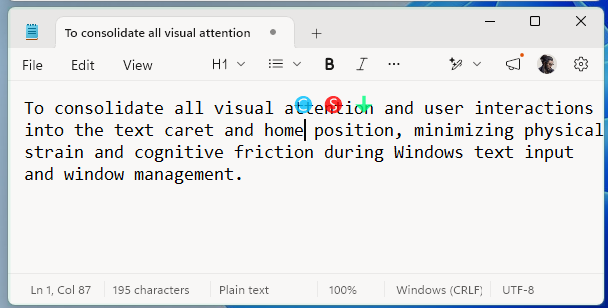
FJ Flow is a lightweight Windows utility that displays your IME status right next to your text cursor, switches input modes smartly with the Shift key, and keeps you in the flow with active line highlighting and zoom features.

FJ Flow Live Demo
IME: ON (あ)
Settings
ZOOM (F9)
...
123456

Click here and start typing in the simulator...

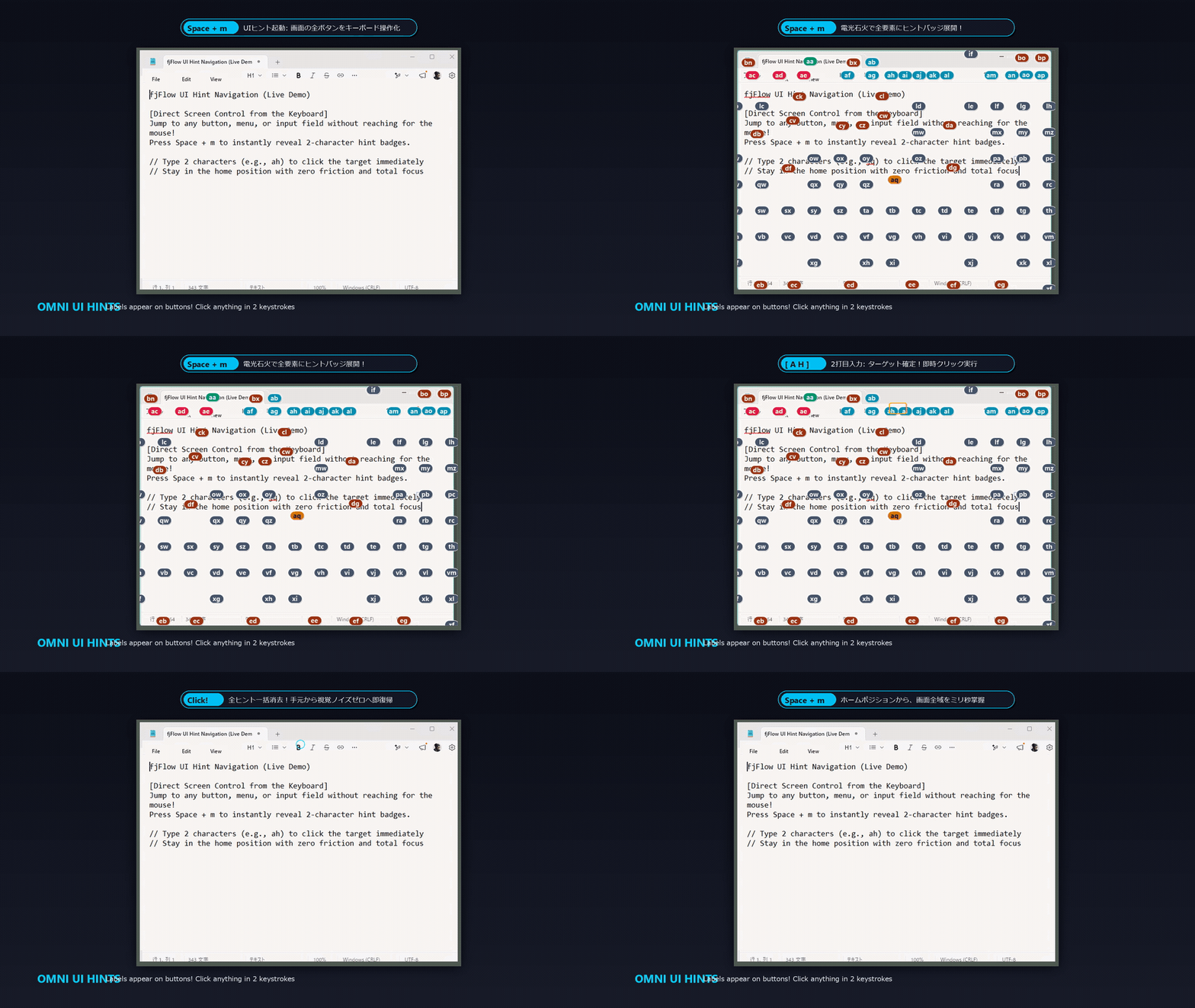
Notice how the indicator stays right next to your cursor.

Click the "ShiftLock" button (or single tap your Left Shift key) to start ShiftLock (S). Tap Shift again or wait 3 seconds to release. Double-tap Ctrl to pause/resume the tool.

Try clicking the "Row Highlight" button to focus on the active row!

Use the settings panel on the left to customize the indicator instantly.

Core Values

Three key values provided by FJ Flow.

🎯

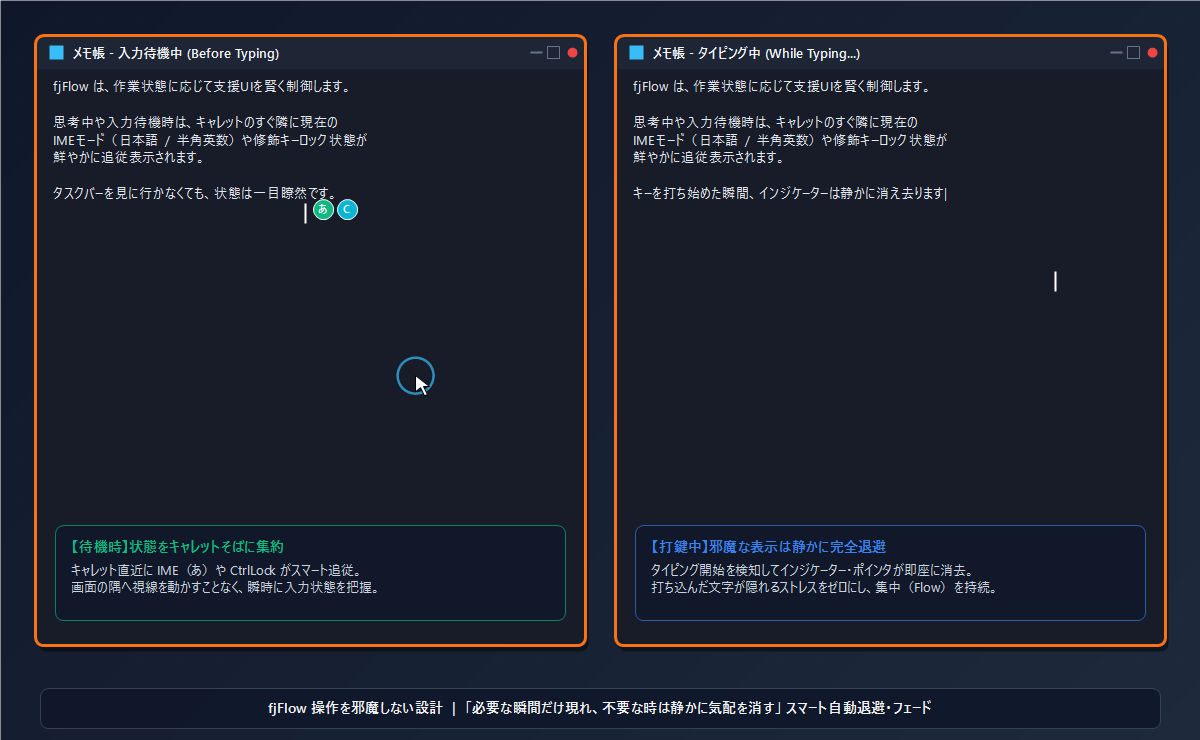
Never Lose Cursor Focus

The status follows your text cursor so you don't have to look at the taskbar. Highlights the active window border with a CPU/RAM linked mode.

Modifier Locks & Powerful Key Extensions

Features modifier locks (Shift/Ctrl/Alt/Win) and multi-layer key extensions (L1/L2/Space Shift) to navigate and type directly from the home position.

👁️

Stay Focused on a Single Line

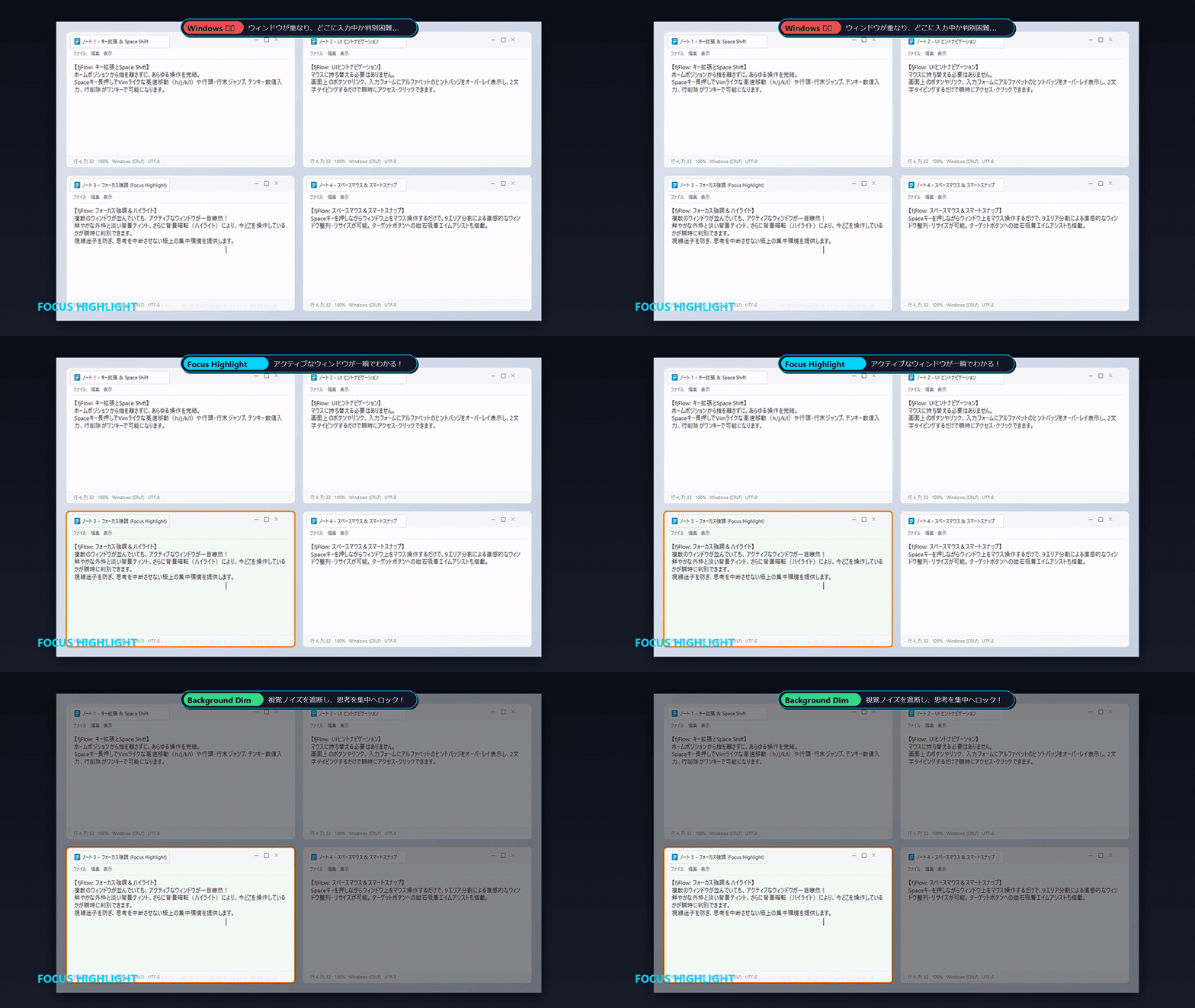
Dim the rest of the screen to highlight the active line. Focus entirely on writing and coding.

Accessibility & Productivity

Optimize Accessibility with Zoom & Highlight

Struggling with small fonts or keeping track of long lines? FJ Flow combines a stabilized loupe and high-contrast row masking to assist developers, writers, and individuals with visual impairments.

Loved by Creators, Coders & Writers

Discover how professionals use FJ Flow to enhance their daily workflow.

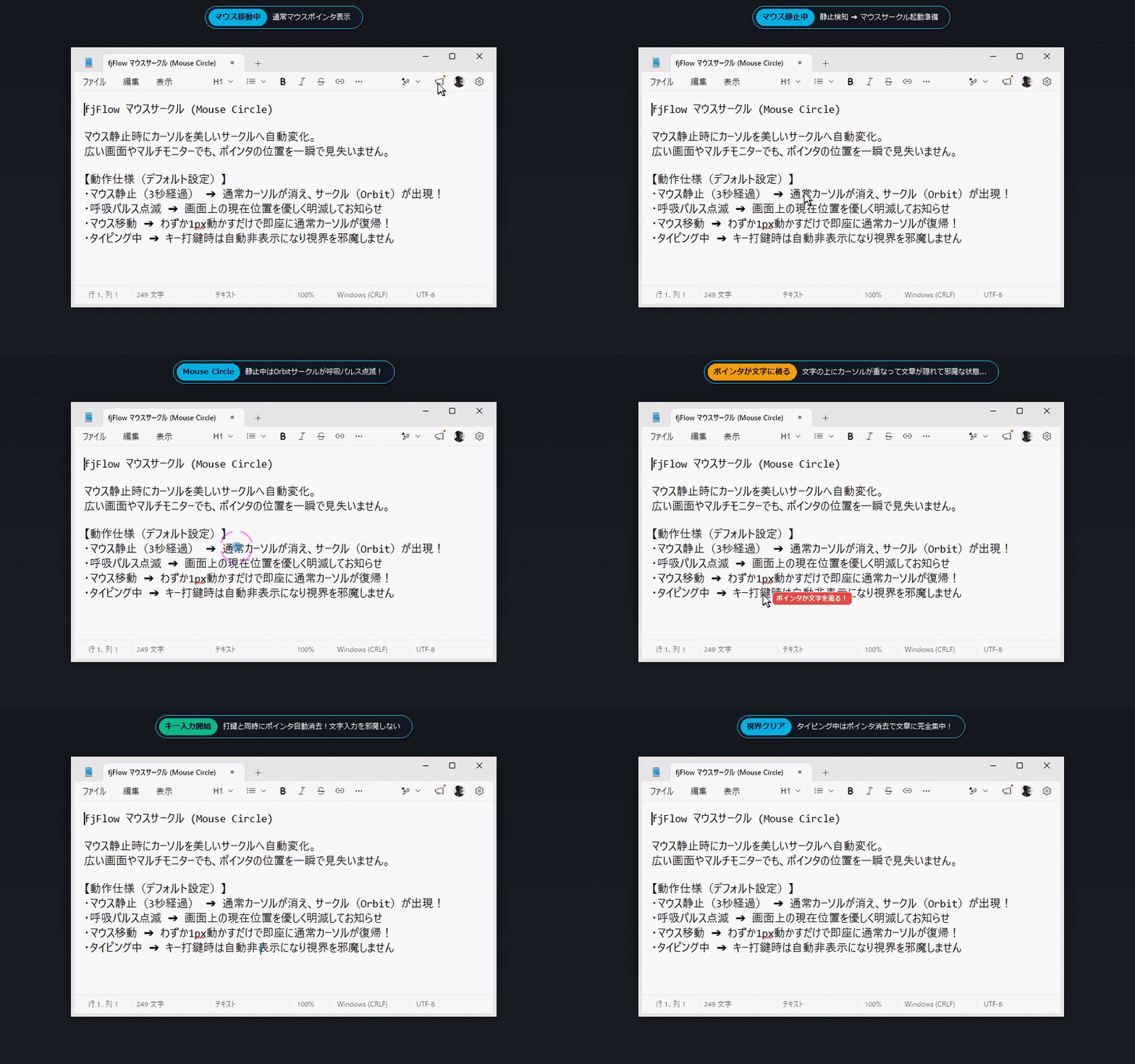
Find Your Cursor Instantly to Reduce Eye Strain

Input cursors are easy to lose track of on high-resolution screens. This software dims everything except the active line with the F8 key, reducing eye strain.

Read More

Eliminate Retyping and Maintain Your Typing Flow

Prevent typing in the wrong input mode and having to retype. This software displays the input mode right next to your cursor, reducing unnecessary mistakes.

Read More

Ease Finger Strain by Ending the Need to Hold the Shift Key

When typing consecutive uppercase letters, you normally have to hold down the Shift key. This software maintains uppercase input with a single, short press of the Shift key.

Read More

Use Cases

Comfort in various writing and coding scenarios

💻

Prevent Full-Width Errors in Coding

Avoid syntax errors from accidental full-width input. Instantly recognize active layout right at the cursor.

⌨️

Smart Home Position Navigation & Editing

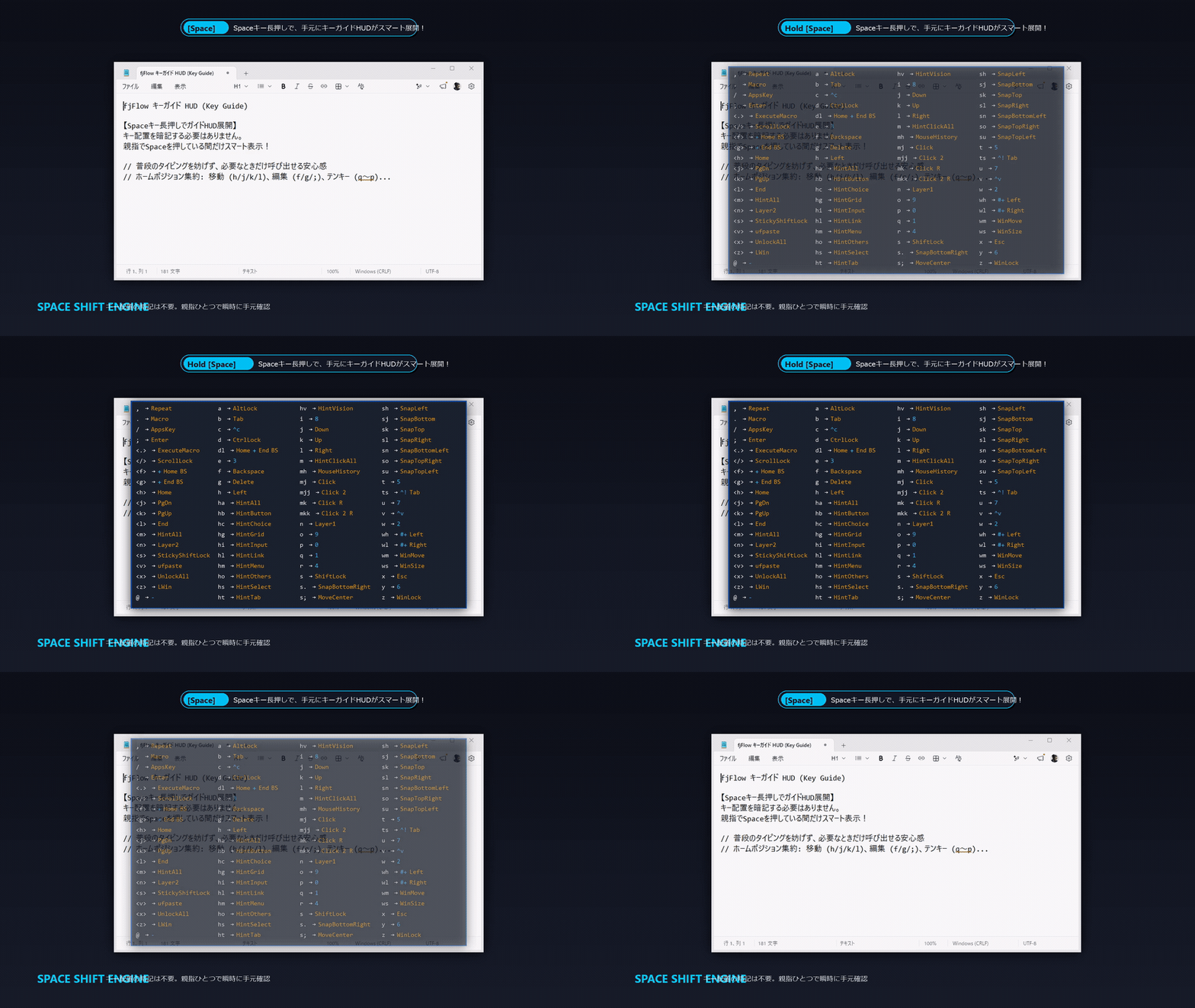
Use Space Shift (holding Space) or modifier locks to trigger cursor movement, clipboard actions, and numpad input from the home position. Eliminate hand-travel time.

📝

Proofread Long Text Documents

Highlight current line to prevent skipping rows. Easily check layout and spelling.

🔍

Assist Visual Impairment & Eye Strain

Magnify the area around the text cursor at the screen edge. Type comfortably without leaning forward.

Simple Operations

Use all features immediately with intuitive shortcuts.

🚀

1. Run & Suspend

Run the app to start. Double-tap the Ctrl key to temporarily suspend or resume.

🔒

2. Modifier Locks & One-Shot

Tap Shift, Ctrl, Alt, or Win once to lock the modifier key. Support One-Shot Shift to automatically release lock after sending one key.

👁️

3. Space Shift & KeyExt

Hold Space (300ms) to trigger Space Shift. Features automatic key map guide popup when idle, and Instant Macro ({Macro}/{ExecuteMacro}) to record/play keystrokes.

🔍

4. Zoom View (F9)

Press F9 to magnify the cursor area at the edge of the screen. Type comfortably with a healthy posture.

News & Updates

Stay updated with the latest releases, tips, and configuration guides.

Security & Trust

FJ Flow operates safely and privately

Fully Offline Architecture

No external network connection is made. Keys typed or setting parameters are never sent to external servers.

Local Configuration Storage

All configurations are stored in fjFlow.json locally. No cloud sync or telemetry tracking is performed.

Requirements & Constraints

System requirements and application limits

System Requirements

Supports Windows OS (including multi-monitor setups). Requires AutoHotkey v2 installed on your PC.

Known Constraints & Fixes

Runs in customizable Pro edition (saves FJ Flow.json/KeyExt.json) or built-in Free edition. Layout is detected on startup; restart if you change layouts. Run as admin if UAC limits apply.

Revolutionize your typing experience

Free, open source, and lightweight.

[Download] Free Download on GitHub